

Create
Give every screenshot a reason to be there.
Get benefit-focused headlines and a consistent visual style across your set. Your real app screens stay intact inside the design.
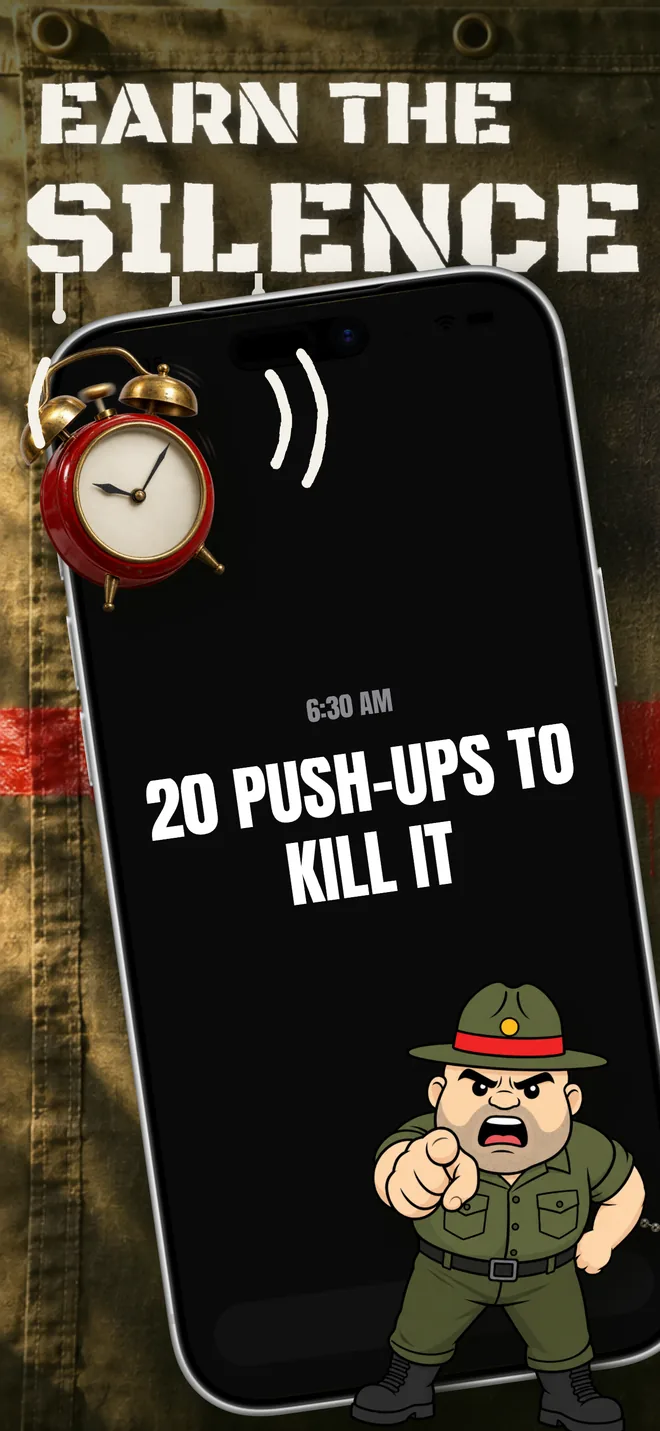
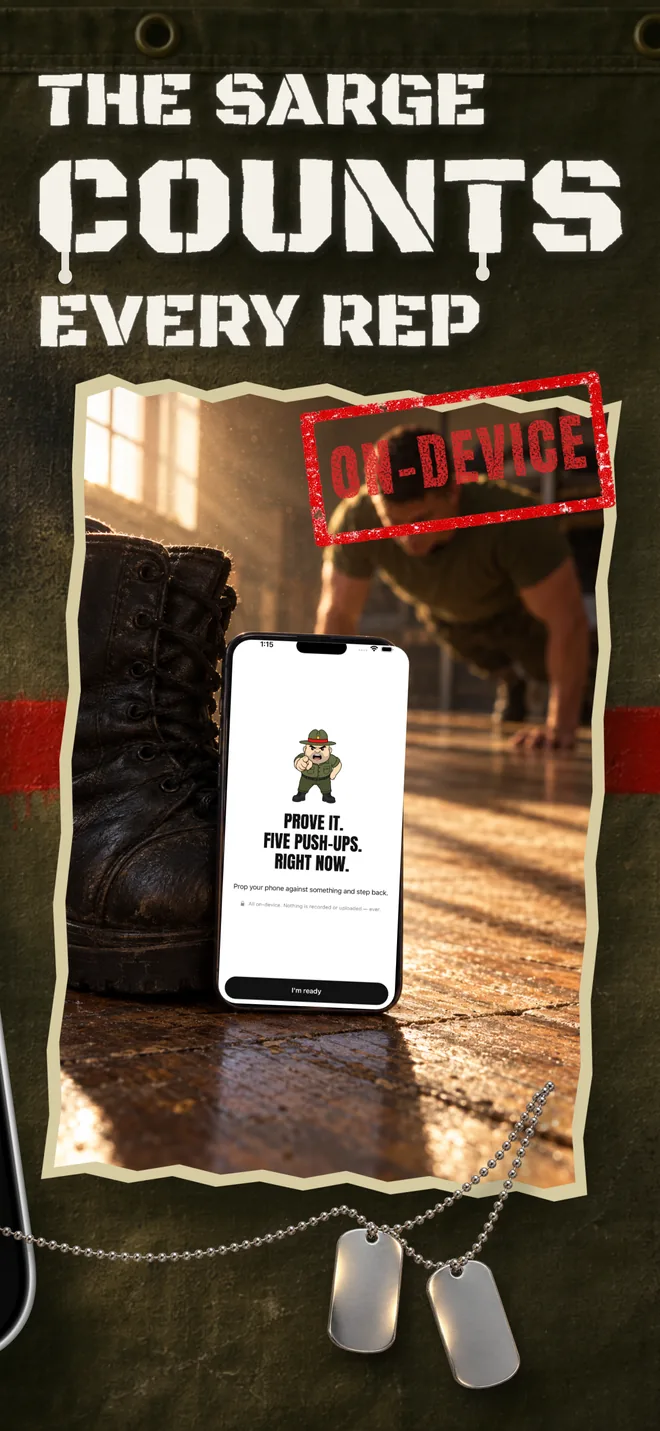
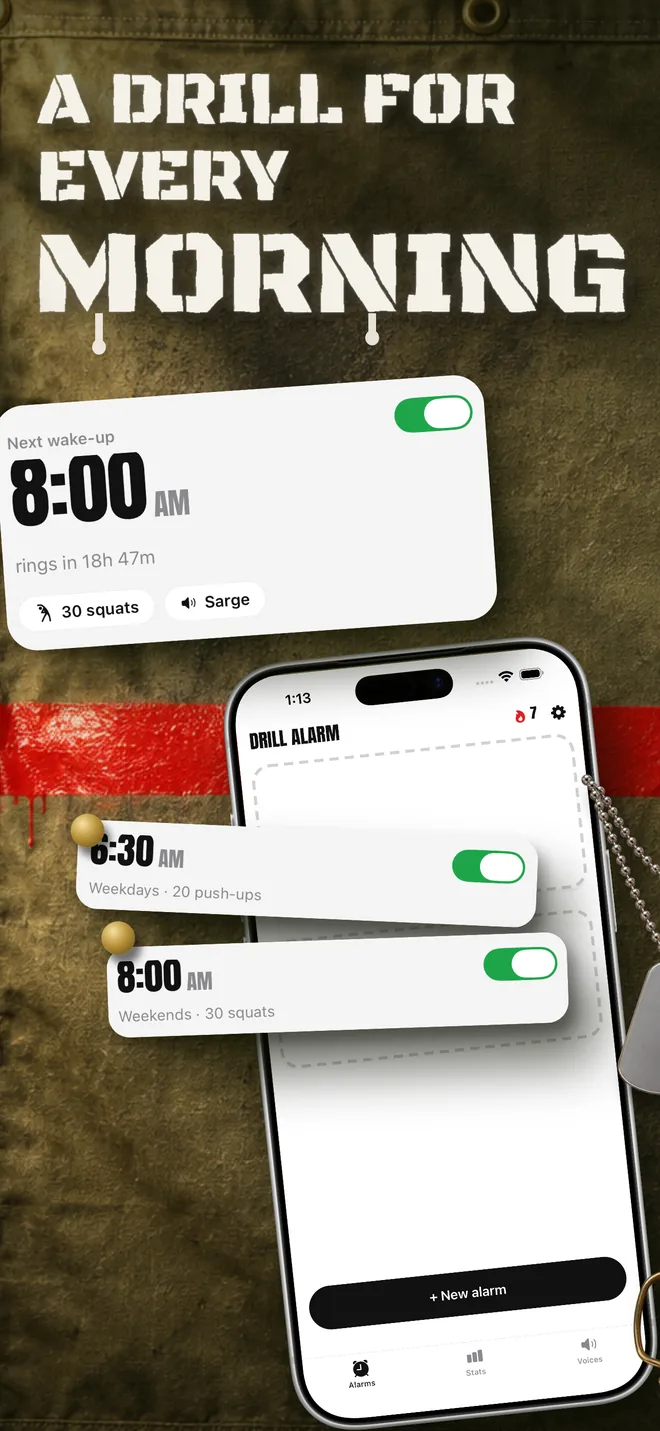
For app teams, agencies, and app builders: drop in your app's screens and get a designed App Store or Google Play set you can refine, localize, and download.
One-time packs from $9. No subscription required.



 Loved by iOS founders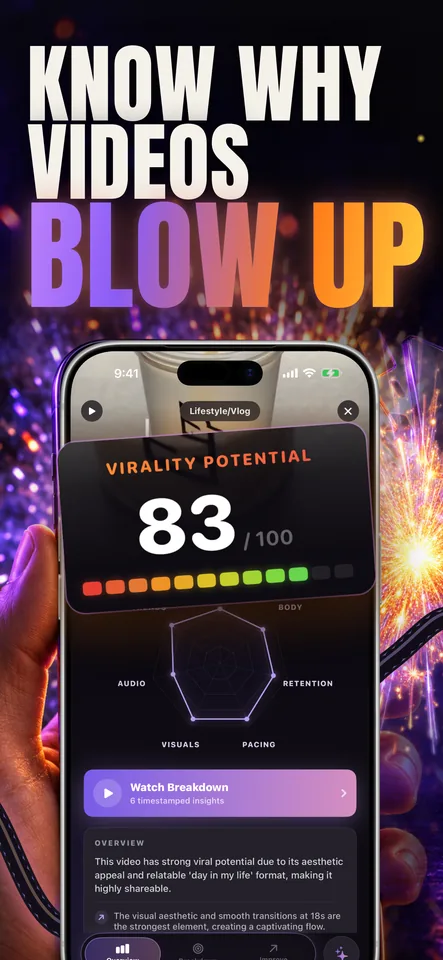
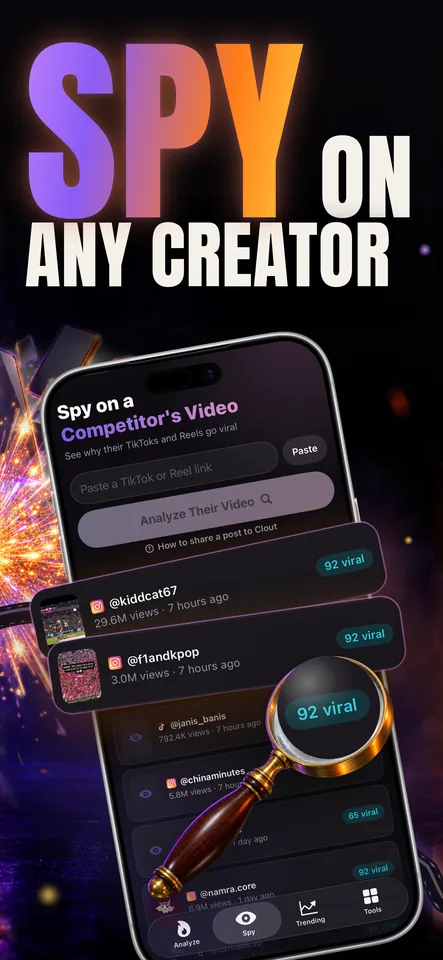
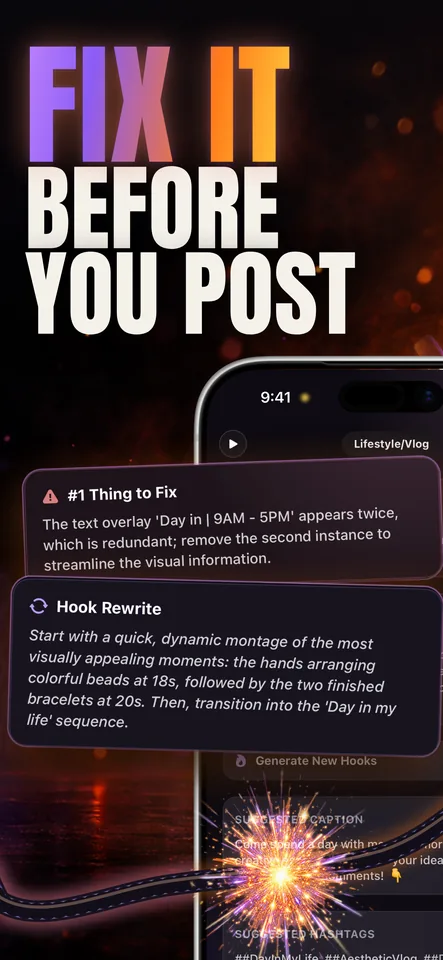
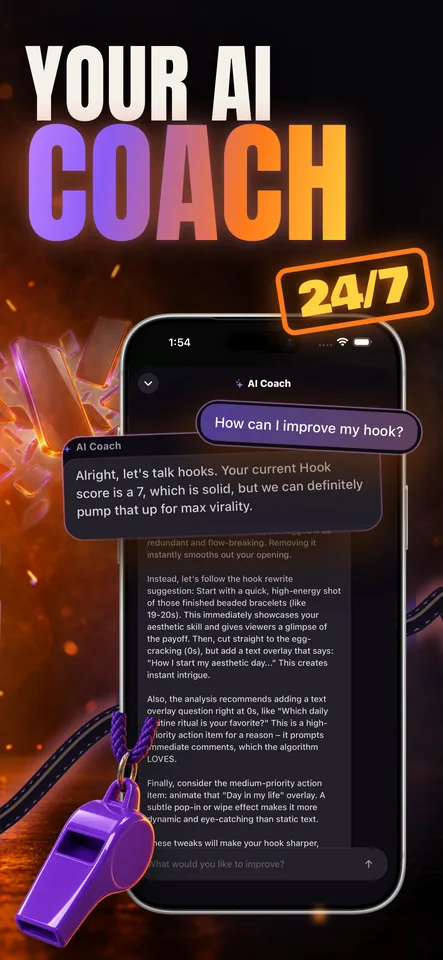
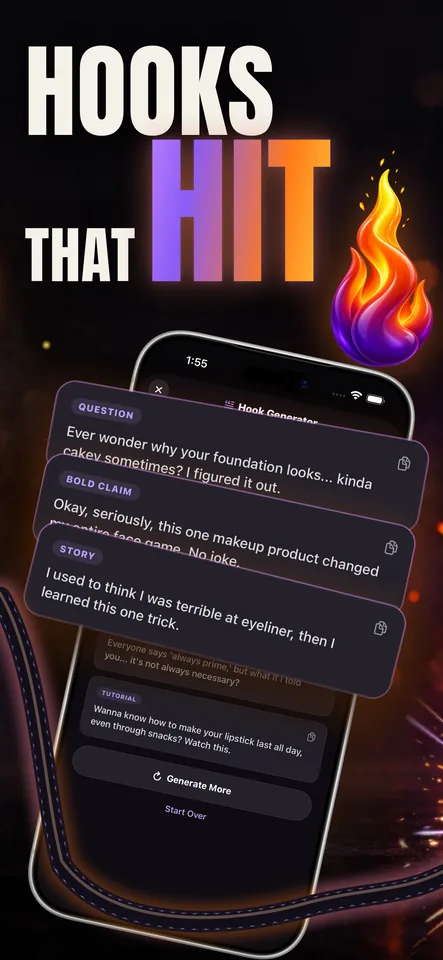
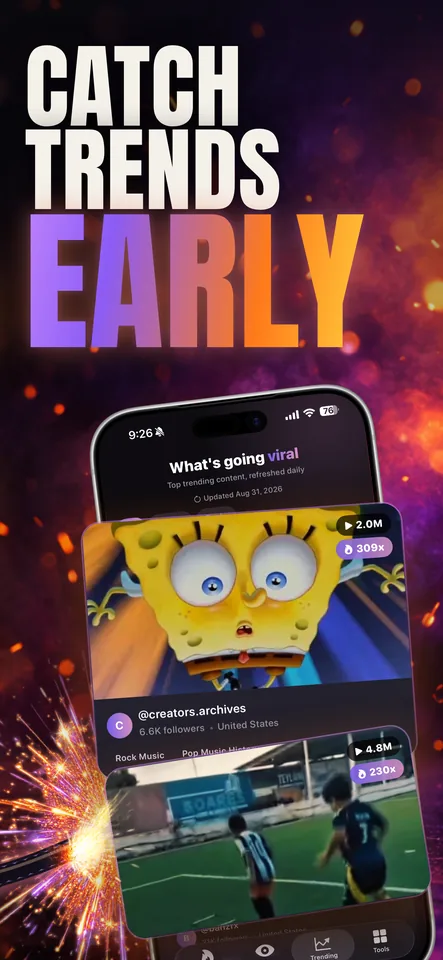
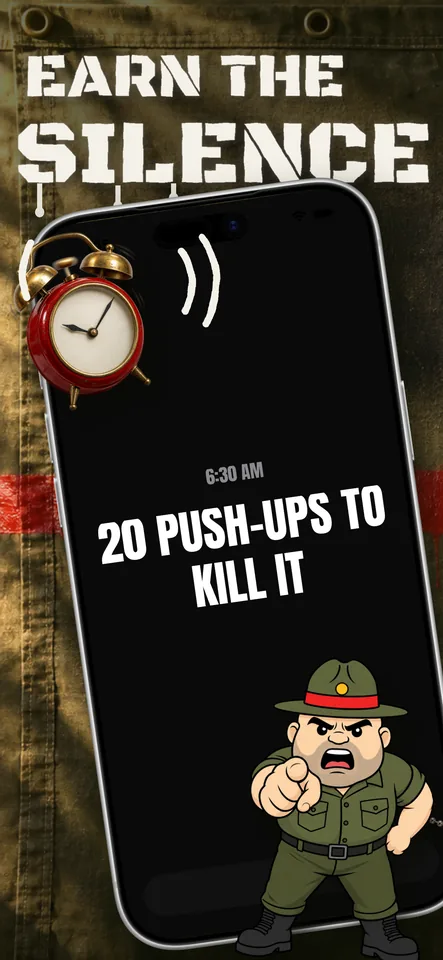
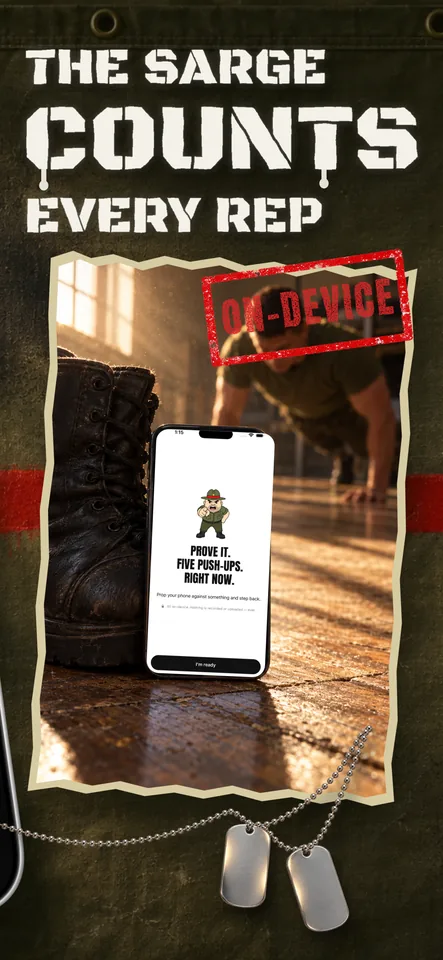
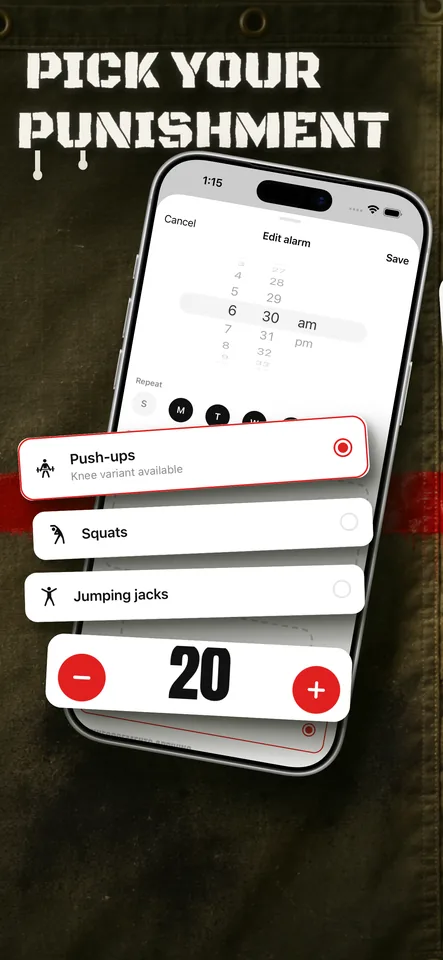
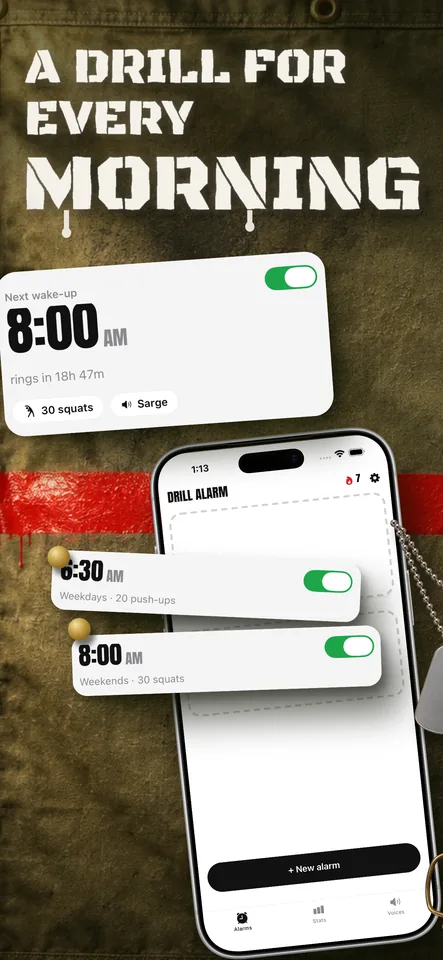
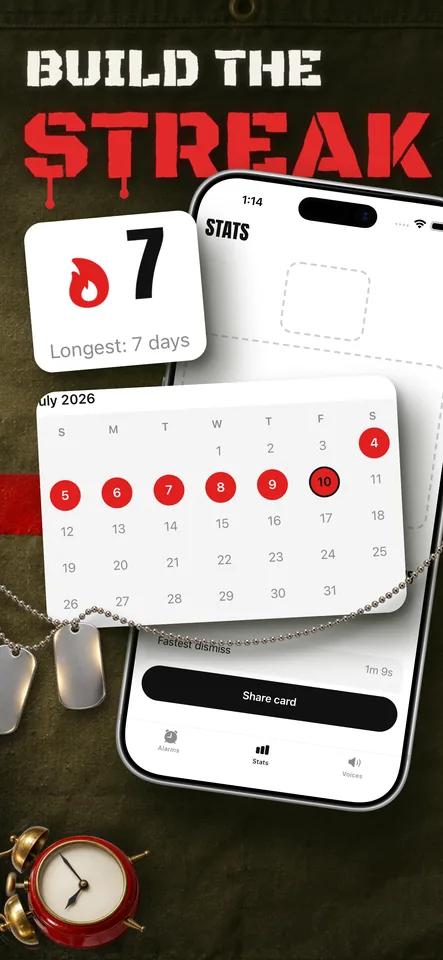
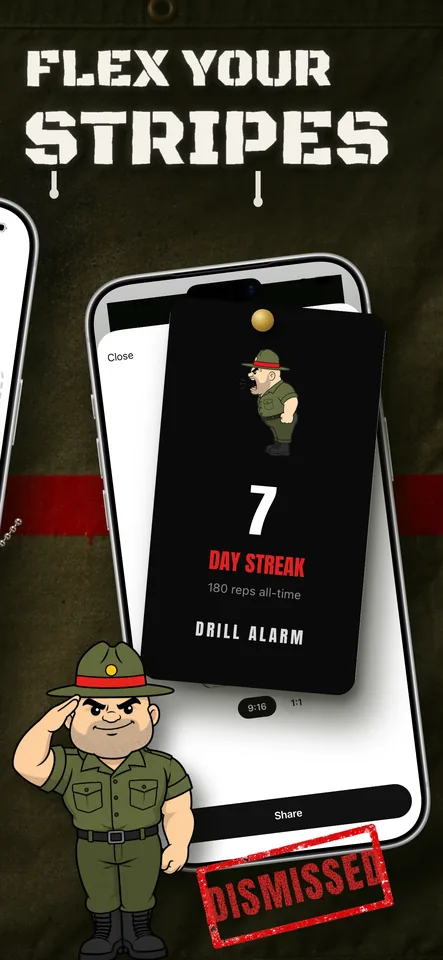
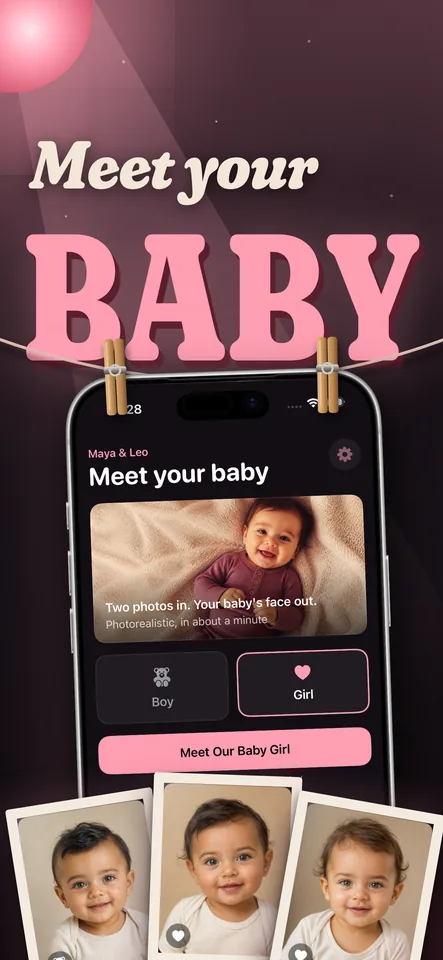
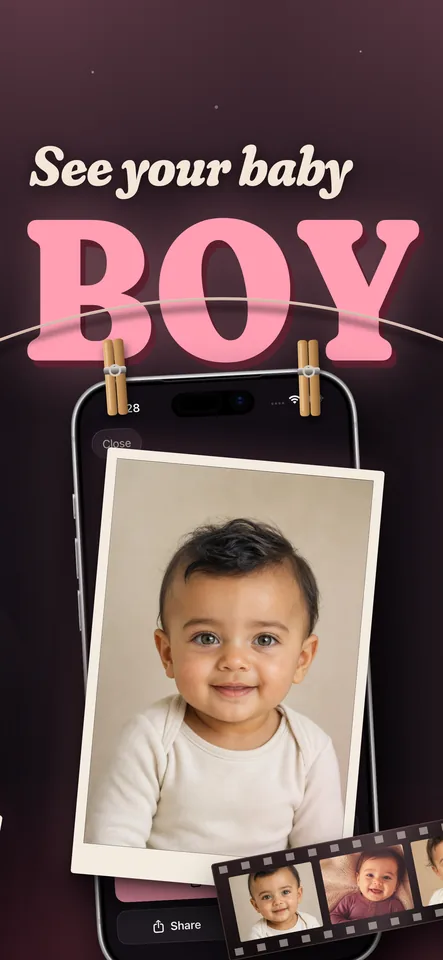
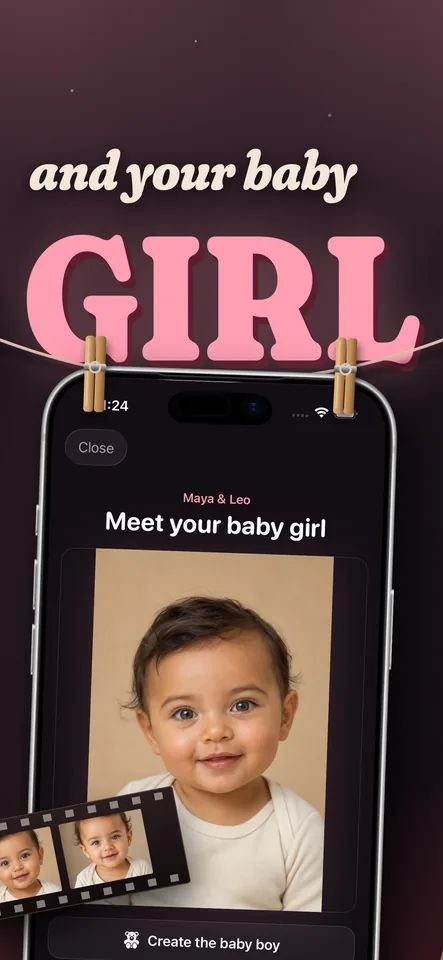
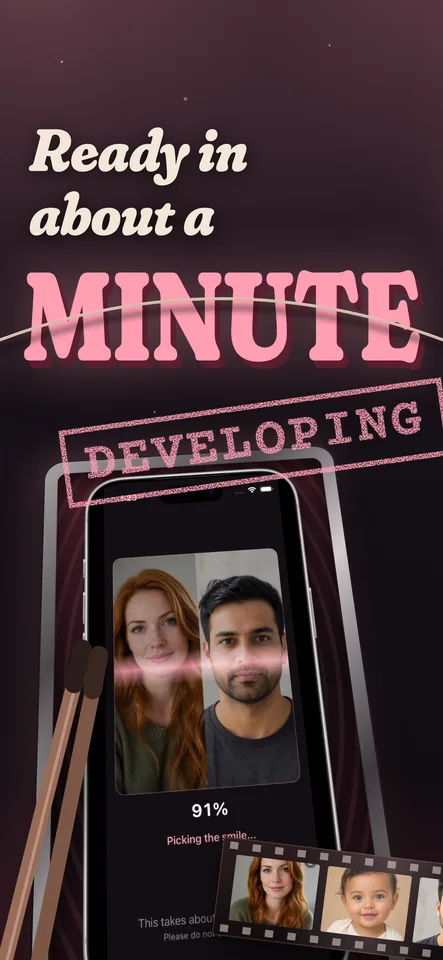
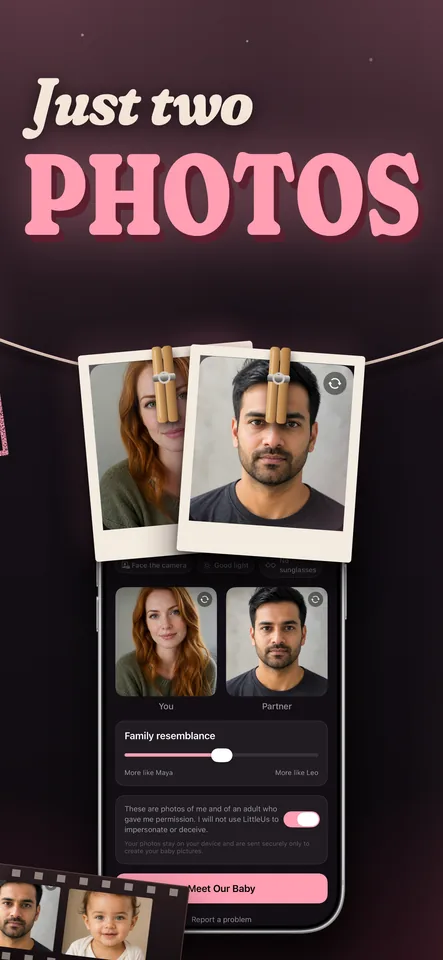
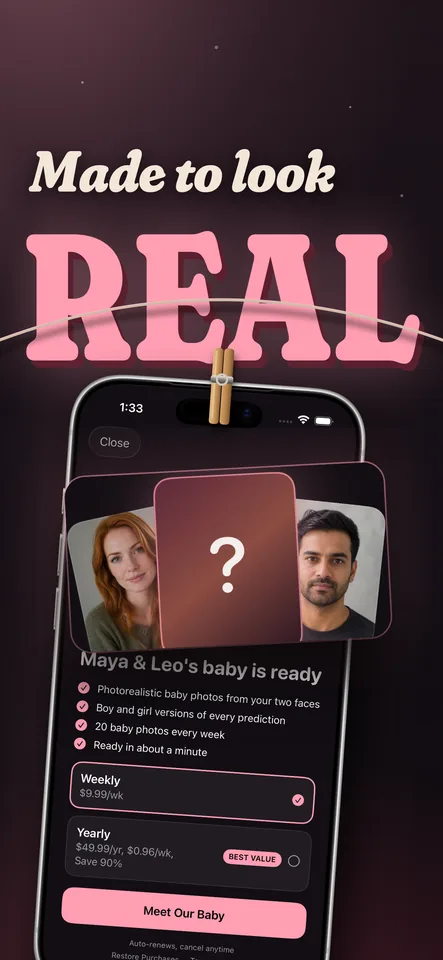
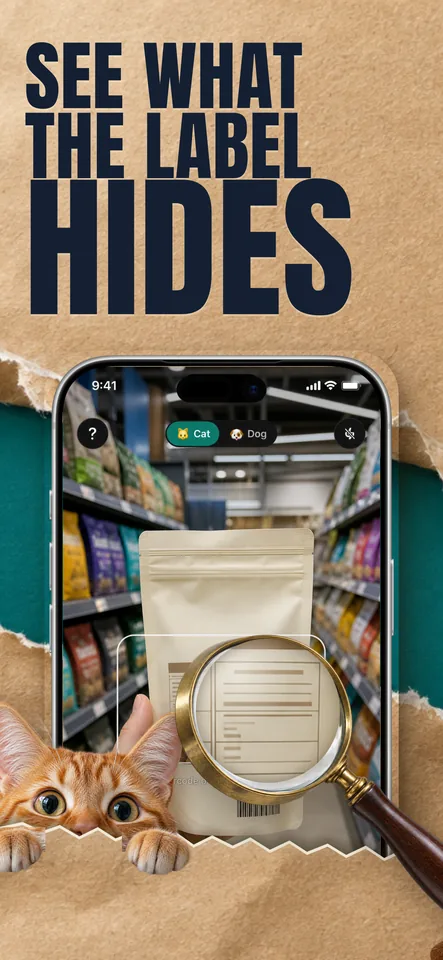
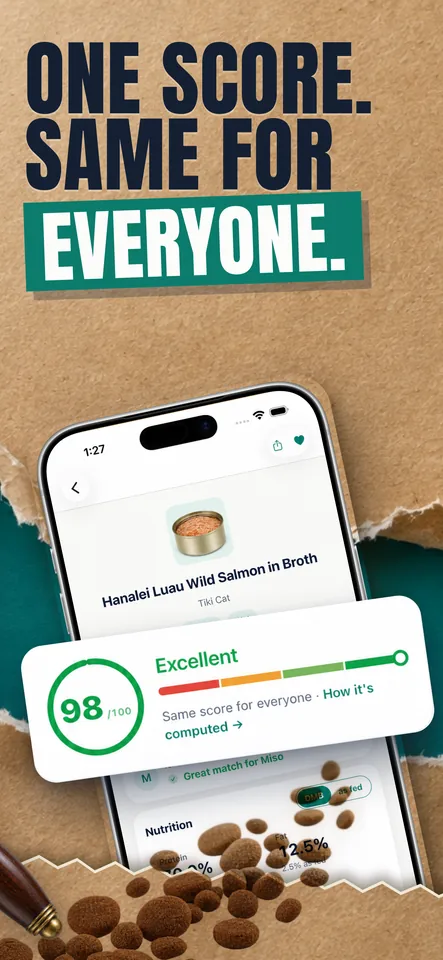
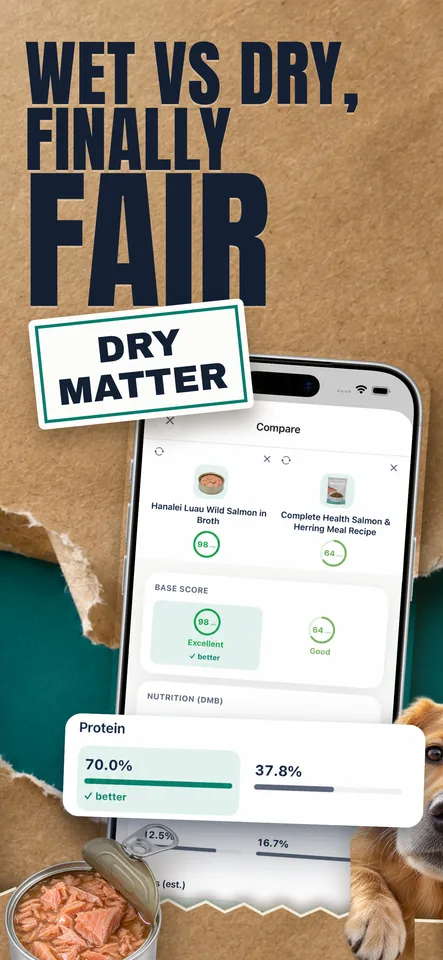
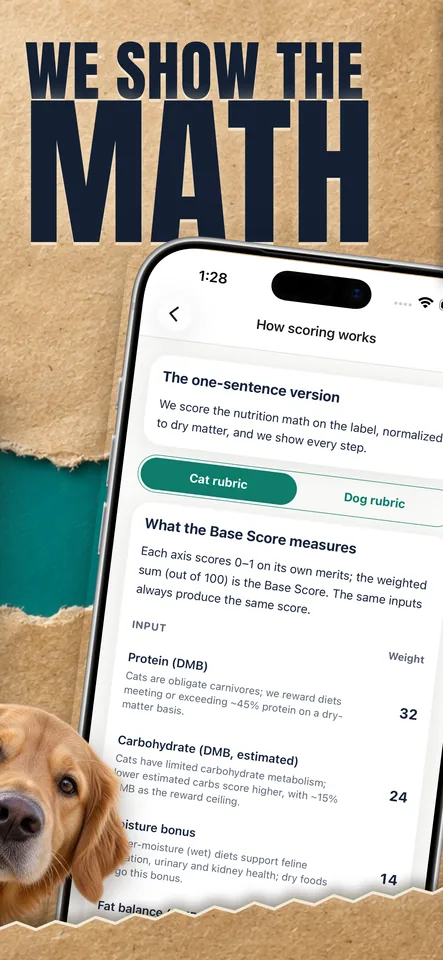
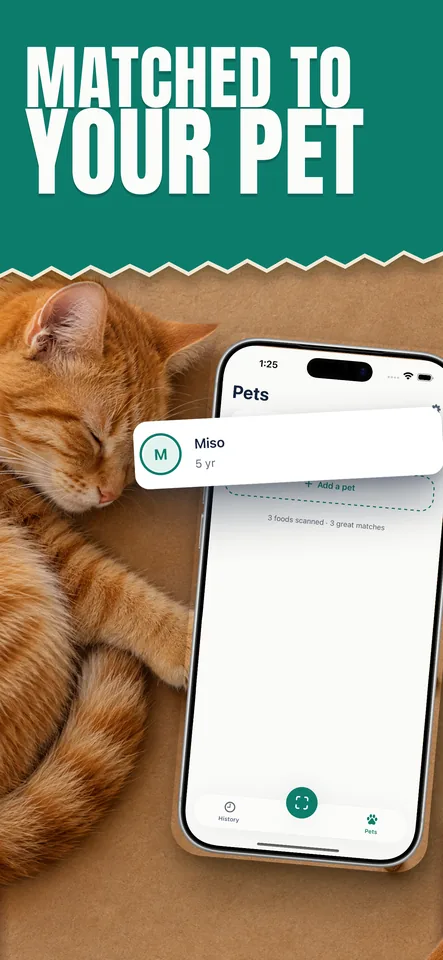
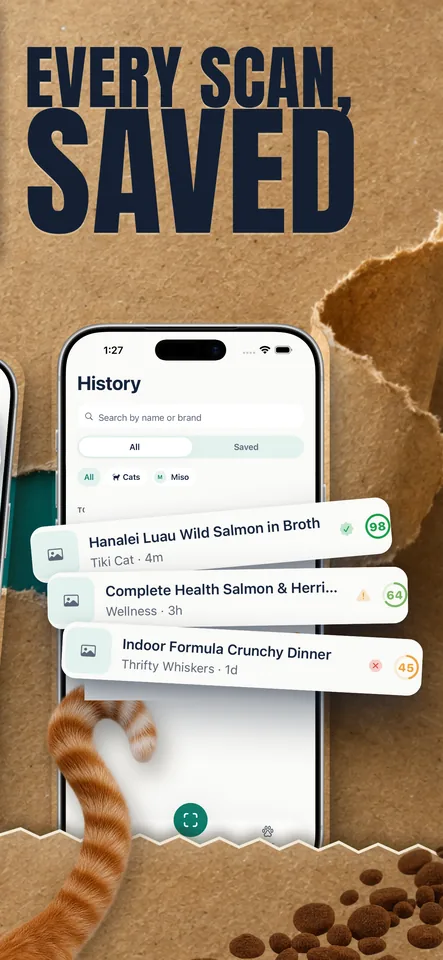
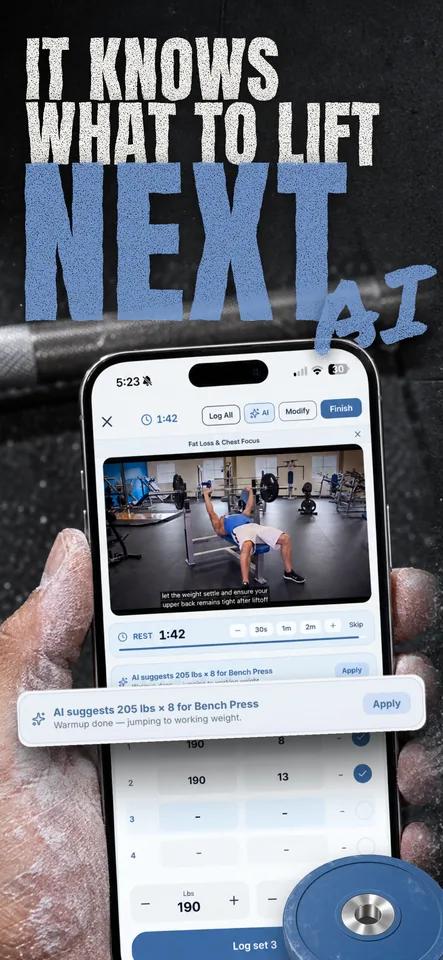
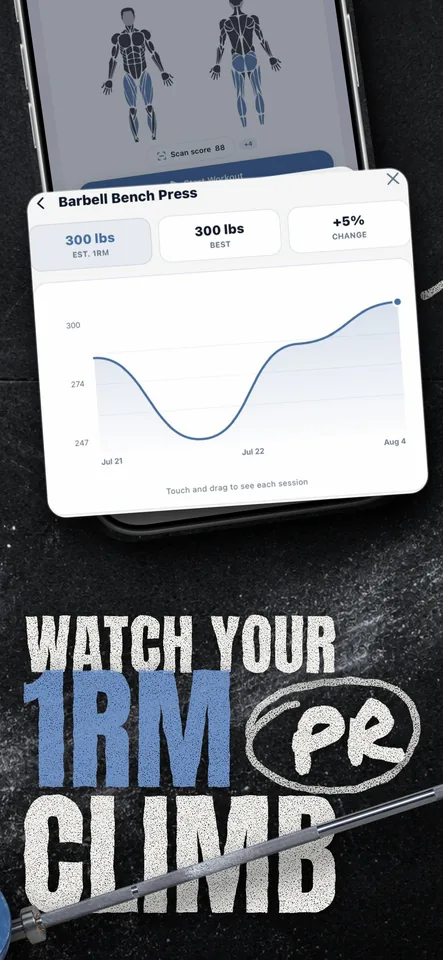
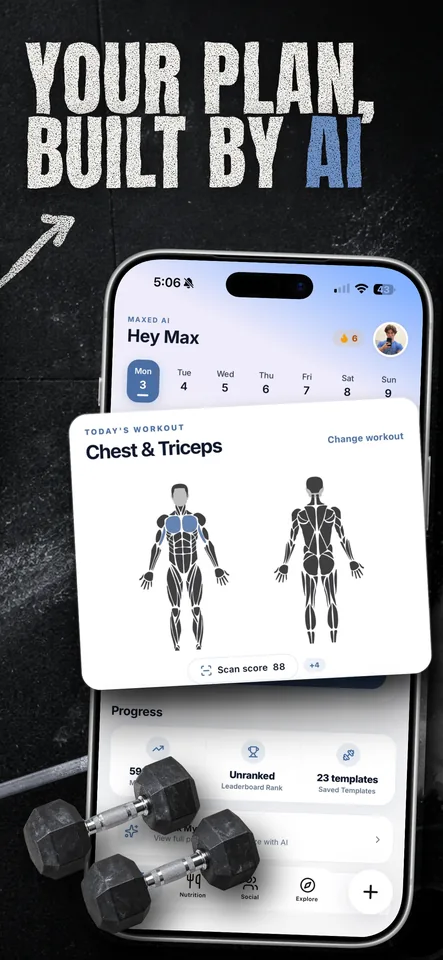
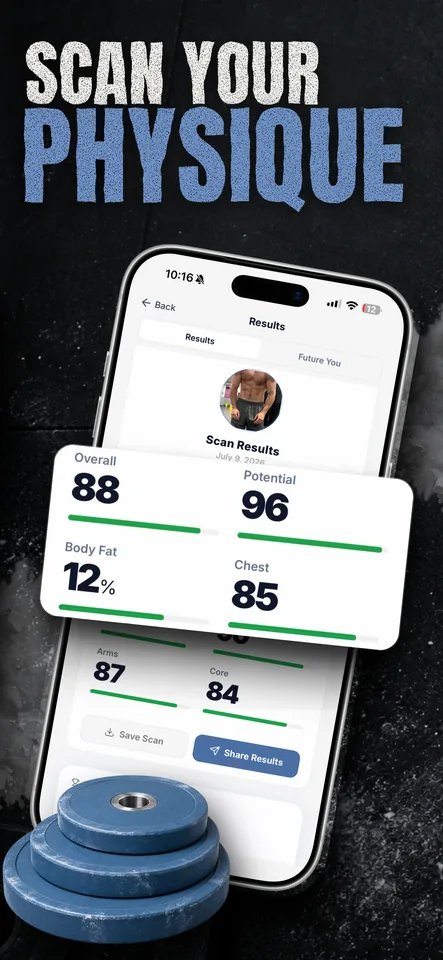
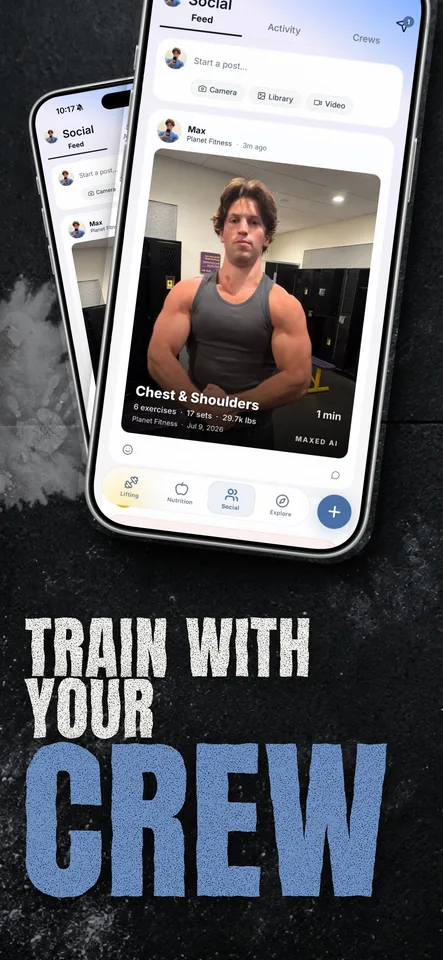
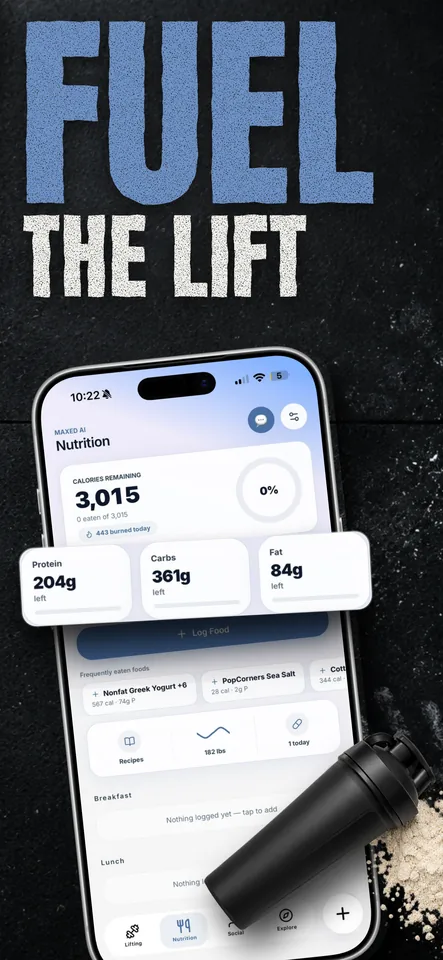
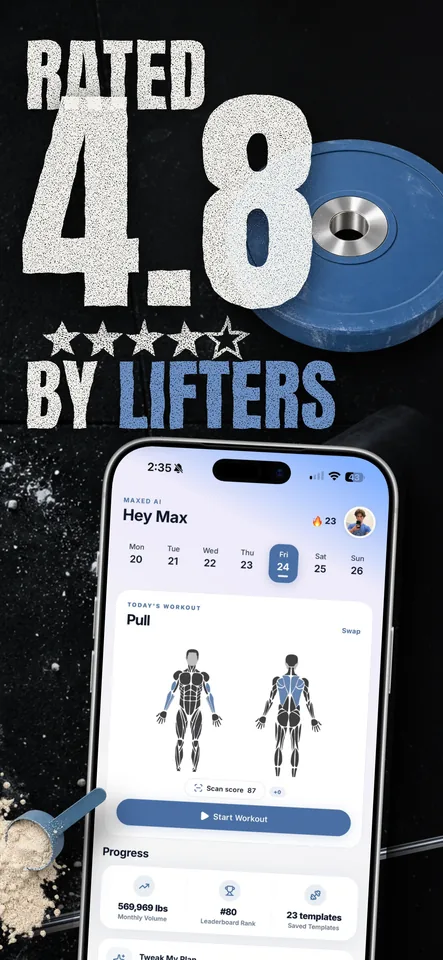
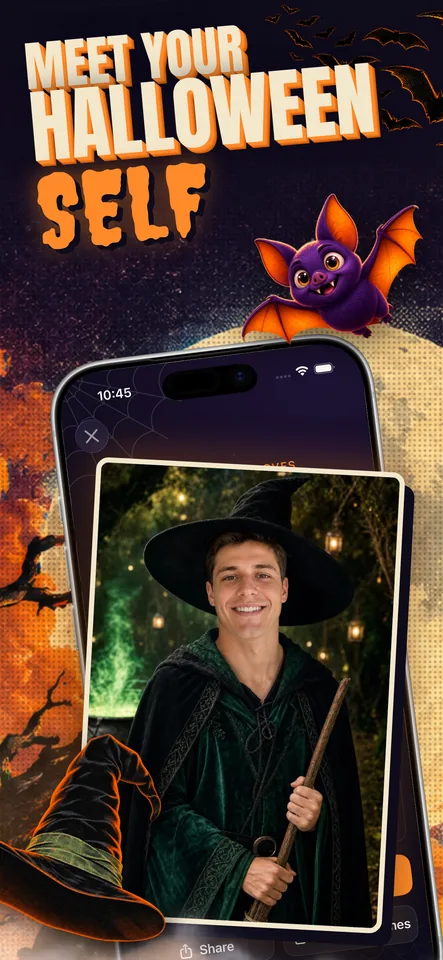
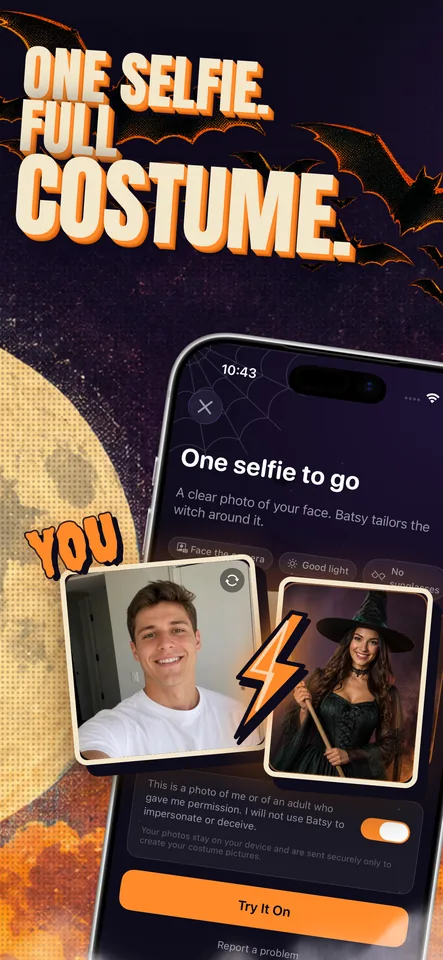
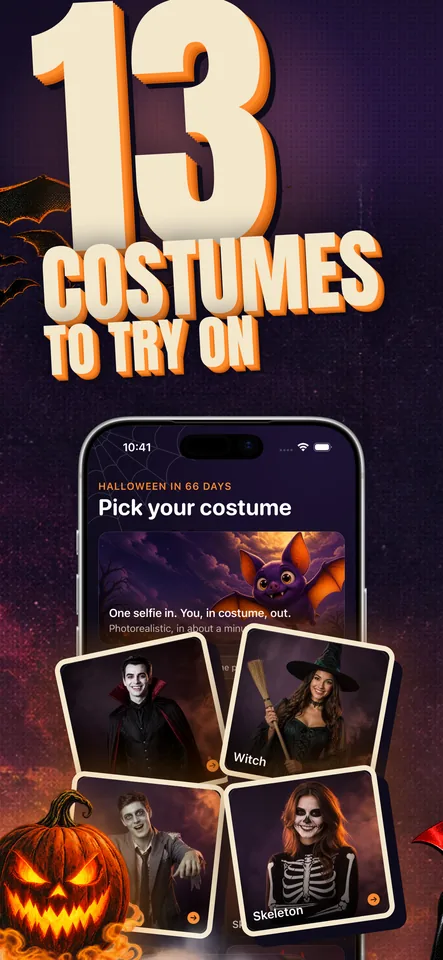
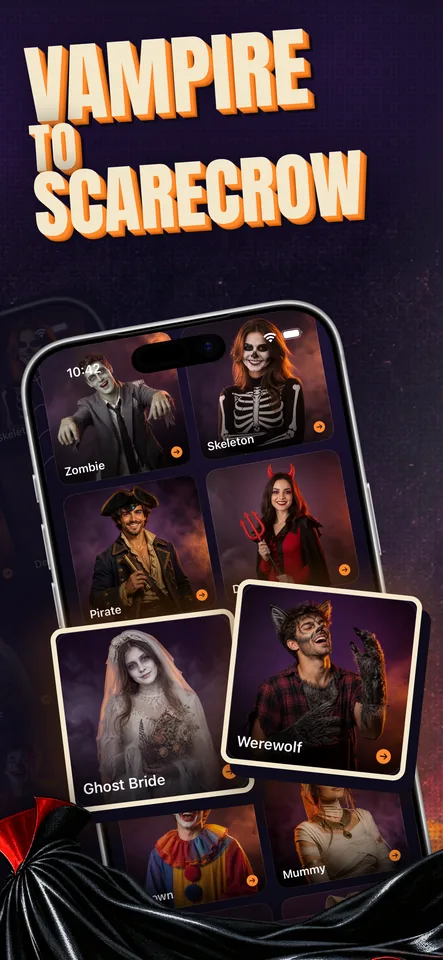
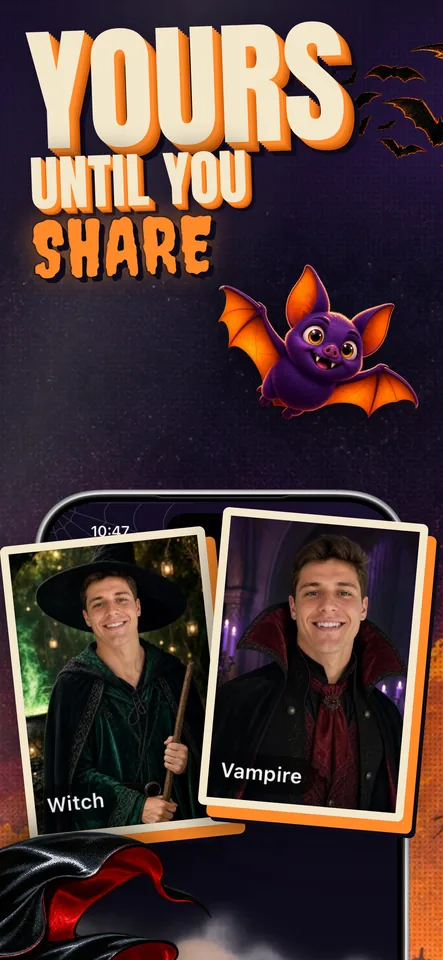
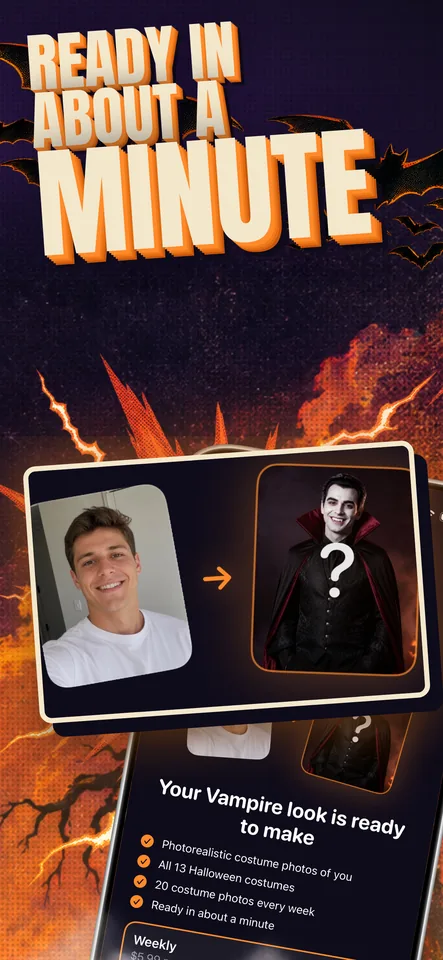
Launch your first set or replace the one you have. Create the design, make it yours, and download it for App Store or Google Play.
Create
Get benefit-focused headlines and a consistent visual style across your set. Your real app screens stay intact inside the design.
Refine
Rewrite any headline in the set's own fonts with a live preview, and reorder the set. Want a different direction? Generate a fresh design.
Keep refining without starting over
Localize
Translate your English headlines for other App Store or Google Play locales while keeping the artwork and layout. Review each localized set before you publish.
0.1 credits per screenshot, per locale. See localization details.
Publish
Download PNGs in the iPhone, iPad, Android phone, or Android tablet size you chose. Upload Apple sets to App Store Connect or Google Play sets to Google Play from the dashboard.
Free downloads. App Store Connect and Google Play uploads included with every credit pack. Read the upload guide.
Upload your app screenshots and tell Screenies what makes your app worth downloading.
Every screenshot is restyled into one cohesive story built around your features and brand.
Download the complete App Store or Google Play set, sized for the selected listing.
Max used Screenies to replace the App Store screenshots for Maxed AI.
My App Store screenshots for Maxed AI were awful prior to Screenies. Tried using Claude on my own as well as paying designers directly. No better place than Screenies.
Max
@MaxHirsch13 Maxed AI - Smart Fitness App★★★★★4.8 · 110 ratings
Buy a one-time pack for your launch or update. No subscription required, and unused credits never expire. All prices in USD.
$9once
One-time payment
12 credits
Six phone screenshots, plus 6 credits for revisions or localization.
Credits never expire · $0.75 / credit
$19once
One-time payment
26 credits
Six phone screenshots, six tablet screenshots, and 8 credits left for revisions or localization.
Credits never expire · $0.73 / credit
$39once
One-time payment
55 credits
A larger balance for multiple apps, releases, and localizations.
Credits never expire · $0.71 / credit
Included with every pack
Per screenshot
1 credit per phone screenshot (iPhone or Android phone); 2 credits per tablet screenshot (iPad or Android tablet).
Localization
0.10 credits per size, per locale.
Failed generation?
Your credits are returned automatically.
Everything you need to know before you generate your first set.
Sign in with Google, upload your app screenshots, and describe what the app does and why it is worth downloading. Screenies generates a complete App Store or Google Play set from there. No design skills or templates required.
Yes. Screenies works for a first launch or a new design for an existing app. Upload the original screenshots from inside your app, rather than your finished marketing images with captions and device frames. Screenies uses those screens to create a new App Store or Google Play set that you can review and edit before publishing.
Yes. Apple sets are exported as opaque PNGs at accepted iPhone or iPad sizes; Google Play sets use the selected Android phone or tablet dimensions, ready to upload without resizing or cropping.
Yes. Screenies builds each set from your app, your features, and your style. When you confirm brand colors, those hexes are used across the set so colors, tone, and layout stay consistent.
No. Your uploaded screens appear exactly as captured inside the device frame. The AI designs the scene around them (backgrounds, props, characters, and enlarged cards cropped from your real screens), but it never redraws or invents your interface.
Buy a one-time pack, from Starter at $9 for 12 credits up to Studio at $39 for 55 credits. One credit generates one phone screenshot (iPhone or Android phone); tablet screenshots (iPad or Android tablet) cost two credits each. Localizations cost 0.10 credits per size, per locale. Credits never expire, and packs do not require a subscription.
No. Screenies uses one-time credit packs. Credits never expire. A completed credit purchase unlocks App Store Connect and Google Play upload from the dashboard for the matching sets; Apple sets also include restore and version creation.
Between 1 and 10 per set. Phone slides cost one credit each; tablet slides cost two, for both Apple and Android targets. Downloads, ZIP export, save, and reorder do not use credits.
Yes. You can rewrite any headline for free: the new text is set in the same fonts and styling as the rest of the set, and the slide re-renders in seconds. A new design costs the same as generating one: 1 credit per phone screenshot or 2 credits per tablet screenshot.
You get the credit back automatically. You only pay for screenshots that actually generate.
Yes. Screenies supports iPhone, iPad, Android phone, and Android tablet sets in portrait and landscape. Phone screenshots cost one credit and tablet screenshots cost two. See /google-play-screenshot-sizes for Google Play dimensions.
Yes. Apps and credits live in a workspace. Invite teammates to generate from the shared balance. Owners handle billing, members, and workspace settings.